


 SC2SEA.com - Starcraft 2 SEA eSports Community Site
> General Forums
> Articles
> sc2sea.com Featured Articles
> How-to Tutorials
>
Tutorial: Buying / Setting up your Korean Starcraft 2 account
SC2SEA.com - Starcraft 2 SEA eSports Community Site
> General Forums
> Articles
> sc2sea.com Featured Articles
> How-to Tutorials
>
Tutorial: Buying / Setting up your Korean Starcraft 2 account

|
«
Previous Article
|
Next Article
»
|
|
|||||||||||||||||||||||||||||||||||||||||||||||||||||||||||||||||||||||||||||||||||||||||||||||||||||||||||||||||||||||||||||||||||||||||||||||||||||||||||||||||||||||||||||||||||||||||||||||||||||||||||||||||||||||


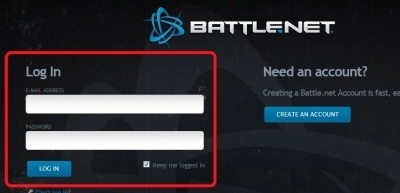

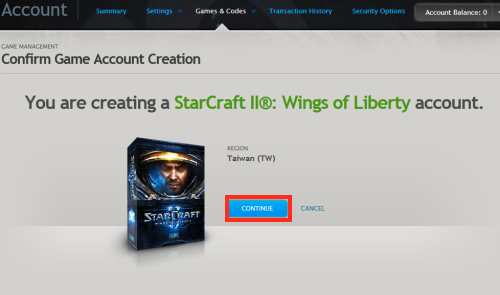
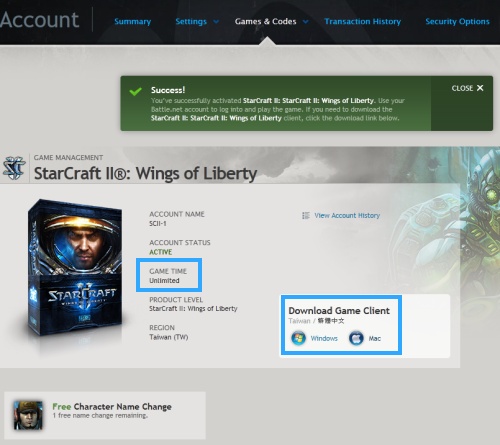
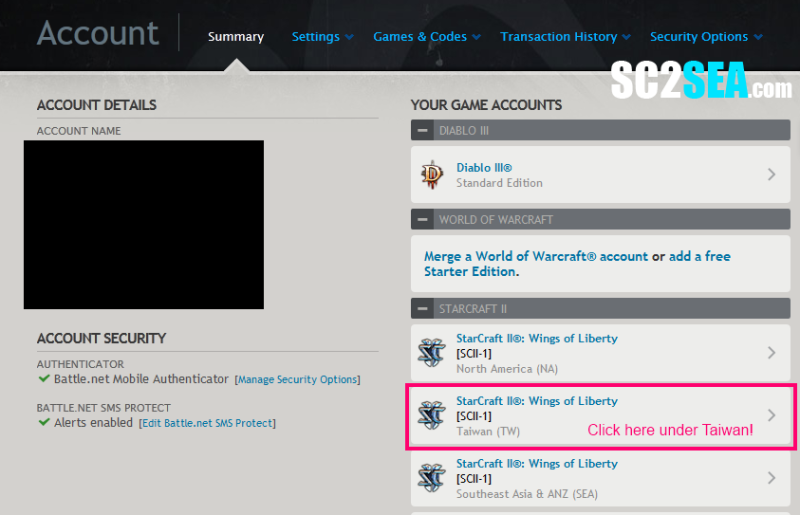
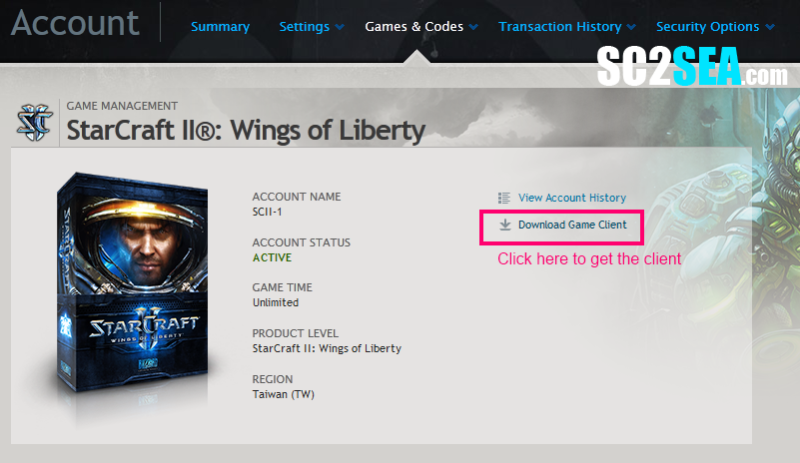

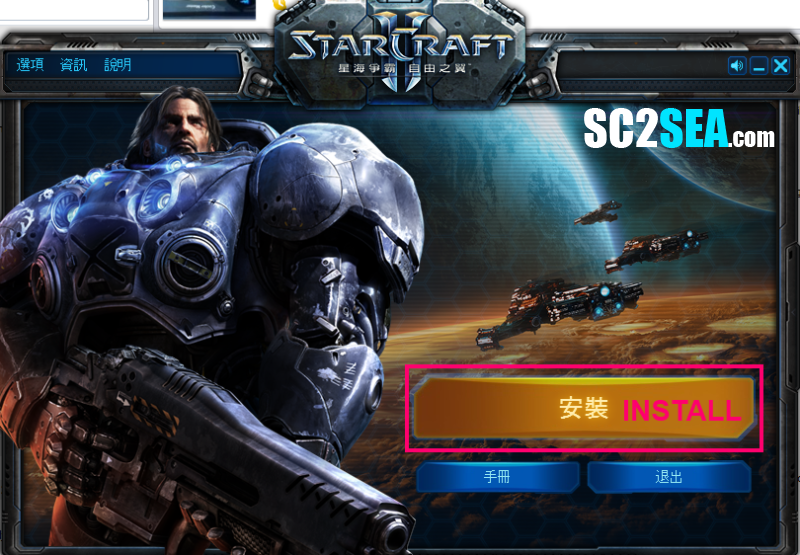


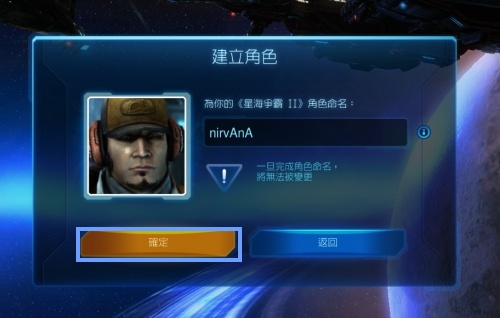
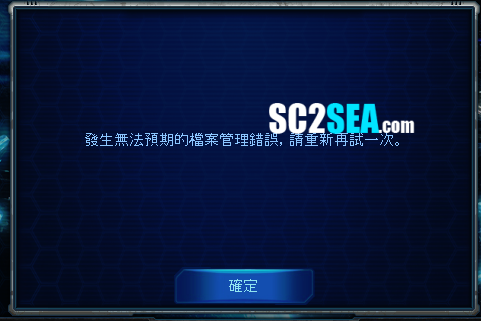


 US, to make comparisons with the Korean and NA servers just type in "tracert kr.logon.battle.net" and "tracert us.battle.net" respectively. The simple way of interpreting tracert results is to look at the last few hops and compare them to each other. Generally anything under 250ms is playable but it also depends on your tolerance to lag. As a guideline you would want a relatively similar ping values from US/KR (so latency is similar as well) and to not exceed 300ms. But hey if you built up your lag tolerance and are used to playing at 300ms and get a similar result on KR it just means that you will be playing with the same level of latency there.

 My ping to Korea is very acceptable at about 220ms. My ping to NA (not shown) is about 210ms so there is very little difference for me in playing on NA and KR, and both KR and NA latencies are definitely playable as they are quite far under 300ms. A cute story to share is xGkingnMafia laddered on SEA with a 350ms latency for the whole of last year. This is why his LAN tournament results (where uses a better ISP) are so much better than his online tournament results! Lag is an important factor for any competitive game


 Location:
 Location:

 New Member of the Year (2011)


 newbieta: I did follow your tracert note and found that I got a good control on KR server as the result was around around 150-160ms. Upon installing, I only referred to your tutorial page and found that it was very informative and helpful. No difficulties. So from my experience above, I want to happily tell everyone who is interested in getting KR account that SC2 Store will not disappoint you at all. I myself never play SC1 but got SC2 a month ago, joined SC2SEA a couple of weeks ago, subscribed TGM few weeks ago and finally got KR account from SC2SEA few days ago - I am sure all of you guys love SC2 and 99% are here much much longer than me. I mean now, as a complete newbie, I know SC2SEA.com is the site of quality but not only you guys already know that but also you all "Feel and Believe It", right? I now really enjoy playing on KR/TW server so much, listening to in-game Chinese sound made me feel more relaxing as I have no idea what she is telling. I have to pay more attention to mini map and that helps improve my SC2 basic. I will of course be better but only after I lose, lose and lose much enough. I will come back to SEA when I am in Gold or Platinum. Please keep doing the great contents and products for SC2SEA, Bryan.
 Xenomorph: "The KR server is very challenging and I was very impressed with how fast I got my key, which was within an hour. I have had zero issues with my account and am enjoying it very much.

 Linear Mode


 2015 OSEANIC Series


 Donations
Powered by vBadvanced CMPS v3.2.2
Powered by vBulletin® Version 3.8.7
Copyright ©2000 - 2026, vBulletin Solutions, Inc.
Powered by vBulletin® Version 3.8.7
Copyright ©2000 - 2026, vBulletin Solutions, Inc.